


 Compare Features LandingLanding page, 1 page
 Flowline SaaS LandingLanding page, 1 page
 Prismo Creative AgencyCreative, 1 page
 Velour Car DetailingLanding page, 1 page
Freelancers
Give a client site its polish in minutes instead of a day of custom JavaScript.
Inside Etchedy
Unlimited sites for €299, paid once. Every future pattern included.
96 of 100 seats left
Claim a lifetime deal400
new patterns a month, shipped every week.
Most of what we build starts as a customer request. See what just landed, what's in production and what's coming next.
How we shipView the roadmapFeature 07Animate
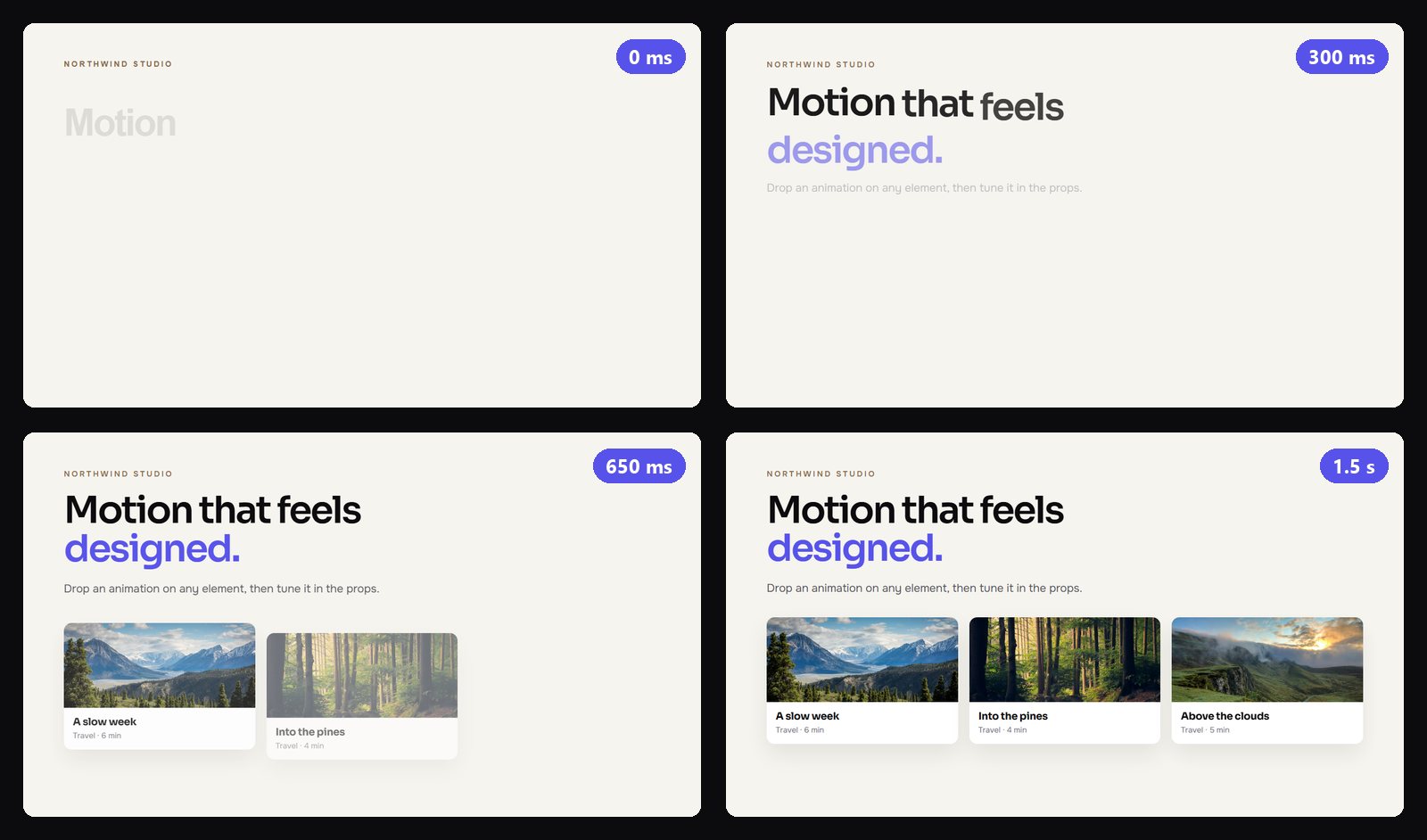
80 ready-made animations in six types. Drag one onto a heading, a card, an image or a whole section and it plays on your live site. Every option is a prop you can change.

Motionthatfeelsdesigned.
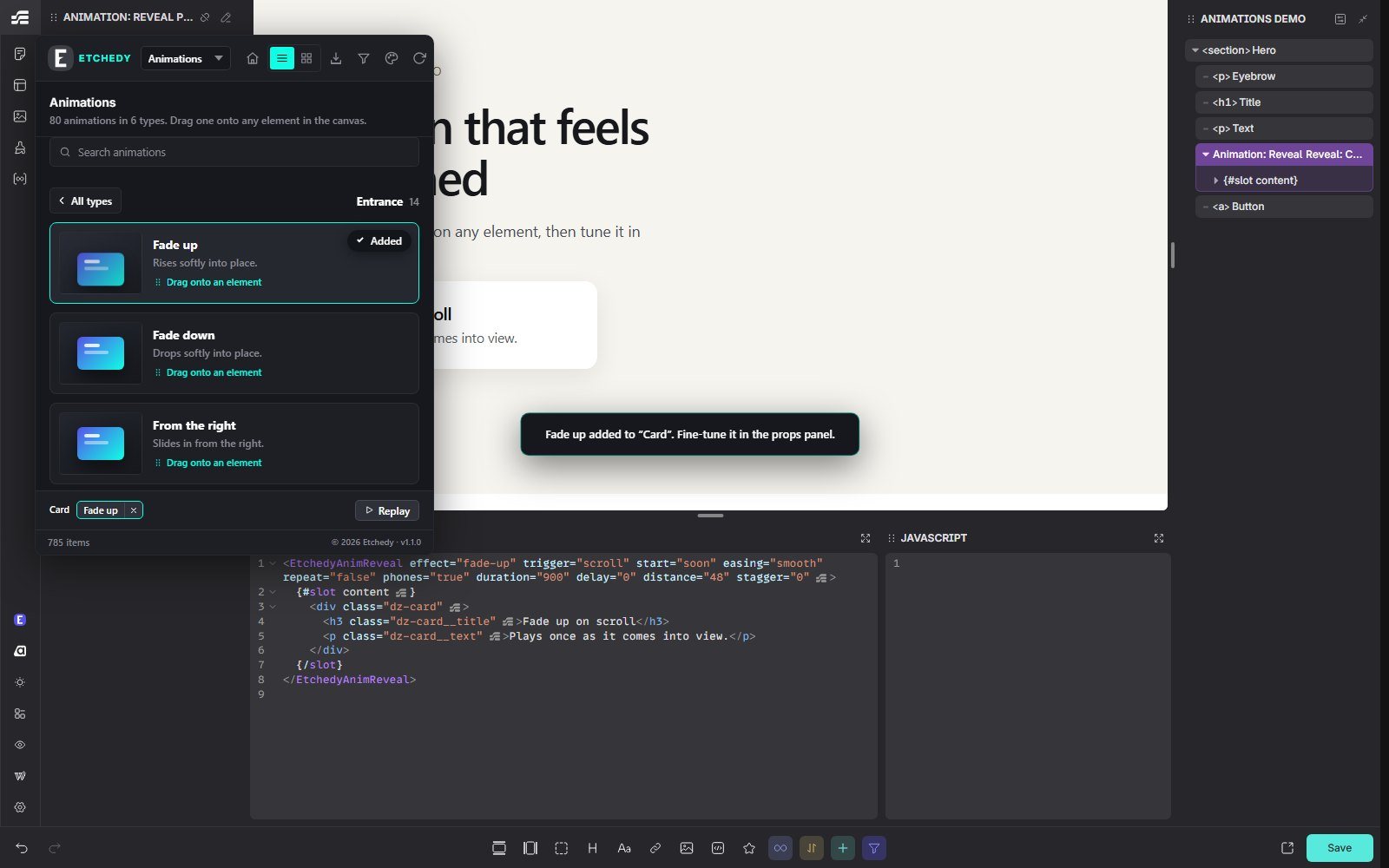
Start a projectFade up added to the card. Plays on scroll, 900 ms.
The problem
“I am not writing another scroll script for one fade-up.”
The fix
Drag the motion onto the element and tune it in the props. No script to write, no library to load, nothing to maintain.
Sound familiar?
Four things that turned animation into a chore on client sites, and what Animations does about each one.
A fade-in here, a counter there, a tilt on the cards. Each one is another snippet to write, test and keep working.
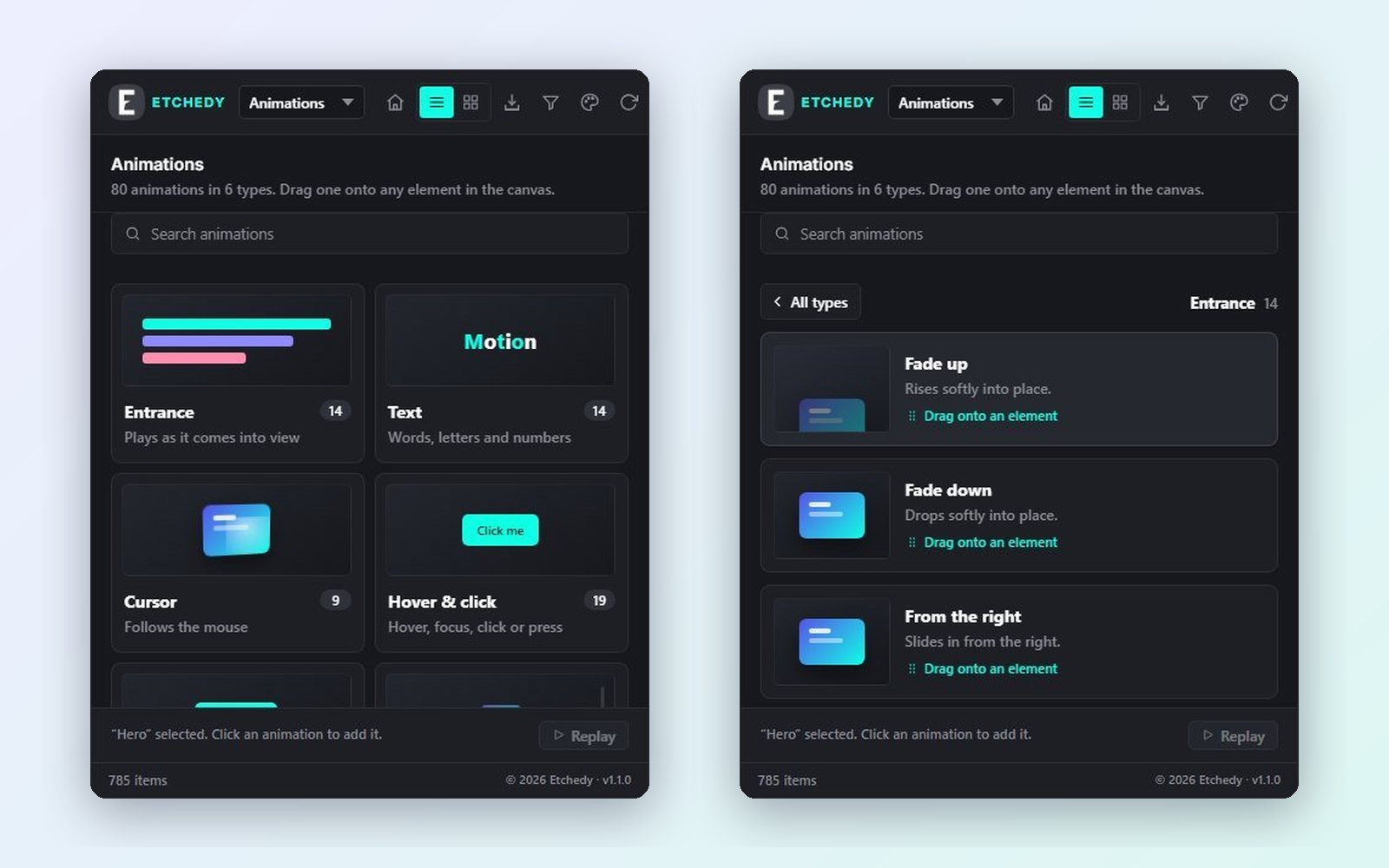
Entrances, text, cursor, hover, loops and scroll effects, ready to drag. Hover a tile to watch it play before you add it.
The client wants it a little slower, and you dig through JavaScript to find one number.
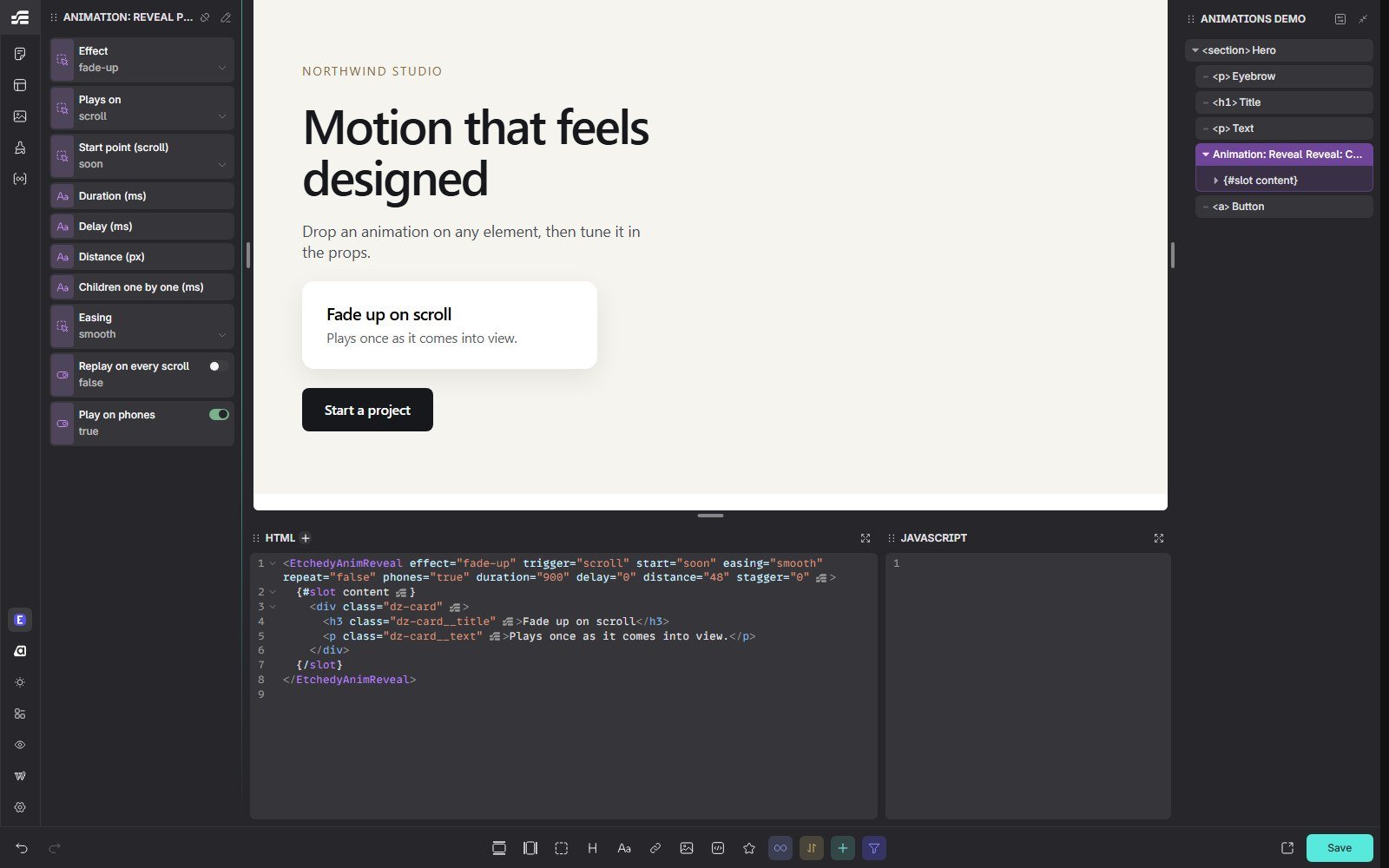
Effect, trigger, start point, duration, delay, distance, easing, replay and phones sit in the component props.
Animation libraries load on every page, even the ones that never move.
A small script with no dependencies, only on pages that use an animation. Without JavaScript, nothing is hidden.
Big movement can make some visitors feel sick, and they never asked for it.
Visitors who ask their device for less motion see every element in place, still and readable.
What it does
Open Animations in the Etchedy panel, hover a tile to watch it play, and drag it onto the canvas. Etchedy wraps the element in an animation component, so the effect, the trigger and the timing sit in the props, ready to change.
Real screens
Real screens from the Etch editor and real frames from the live runtime. Nothing mocked up.
No add-on to buy. Every Pro plan includes Animations, Facet Pro and the full library, on 5, 50 or unlimited sites. Or pay once and keep it for life.
How it works
Pick a type in the Etchedy panel: Entrance, Text, Cursor, Hover and click, Loop or Scroll.
Drop it on a heading, a card, an image or a section. Or select the element and click the tile.
Effect, when it plays, timing, distance, easing and phones: every option is a prop.
Before and after
What changes the day you switch it on.
Without Etchedy: Writing a scroll script for every fade-in
With Etchedy: Drag Fade up onto it and move on
Without Etchedy: Loading an animation library on every page
With Etchedy: A small script, only on pages that move
Without Etchedy: Digging through code to change one delay
With Etchedy: Change the delay in the props
Without Etchedy: Motion that makes some visitors dizzy
With Etchedy: Reduced motion respected, automatically
At a glance
Who it's for
Give a client site its polish in minutes instead of a day of custom JavaScript.
One motion system on every client site, tuned per brand in the props.
Launch pages that feel alive without waiting on a developer.