Compare Features LandingLanding page, 1 page
 Flowline SaaS LandingLanding page, 1 page
 Prismo Creative AgencyCreative, 1 page
 Velour Car DetailingLanding page, 1 page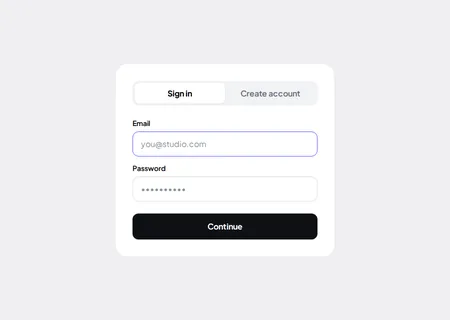
Accessibility often gets treated as a project of its own. It does not have to be. A handful of habits, built into the components from the start, cover most of what matters.
The habits
- Real elements. Buttons are buttons and links are links, so keyboards and screen readers get them for free.
- Visible focus. Anything you can tab to shows where you are.
- Labels that exist. Every field has a label, not just a placeholder.
- Reduced motion. Animation steps aside for people who ask for less movement.
- Contrast from tokens. Colours come from your Automatic.css settings, so one good palette fixes contrast everywhere.
Where it helps most
Interactive components such as sliders, tabs, accordions and galleries are where accessibility usually breaks. Building them on the same few habits keeps them operable without a mouse.
What is still on you
Alt text, heading order, link wording and real content are yours. A pattern gives you a sound structure; it cannot write your page for you.
Boring, repeatable habits beat a one-off audit.