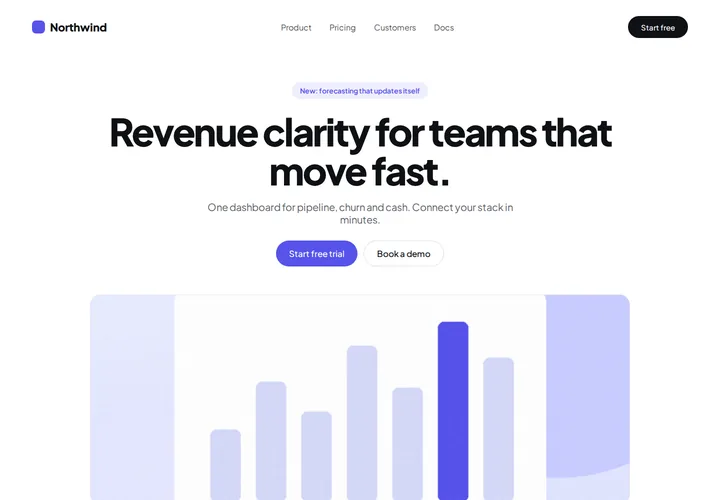
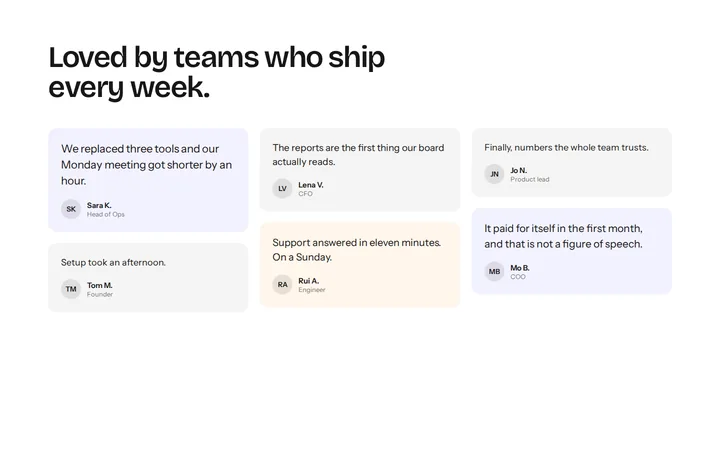
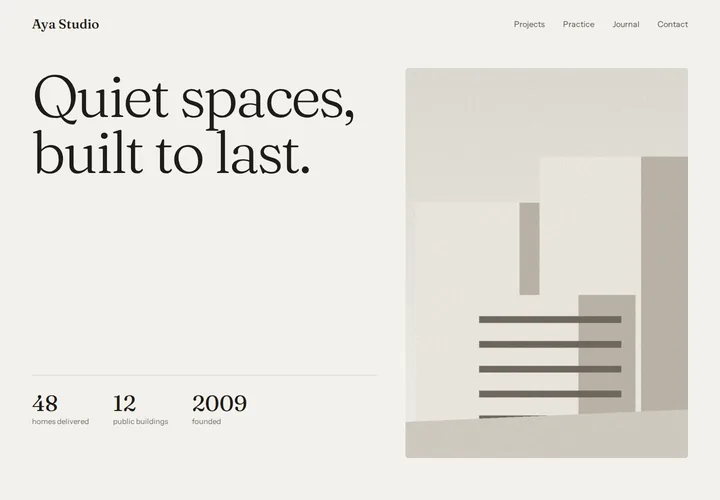
Compare Features LandingLanding page, 1 page
 Flowline SaaS LandingLanding page, 1 page
 Prismo Creative AgencyCreative, 1 page
 Velour Car DetailingLanding page, 1 page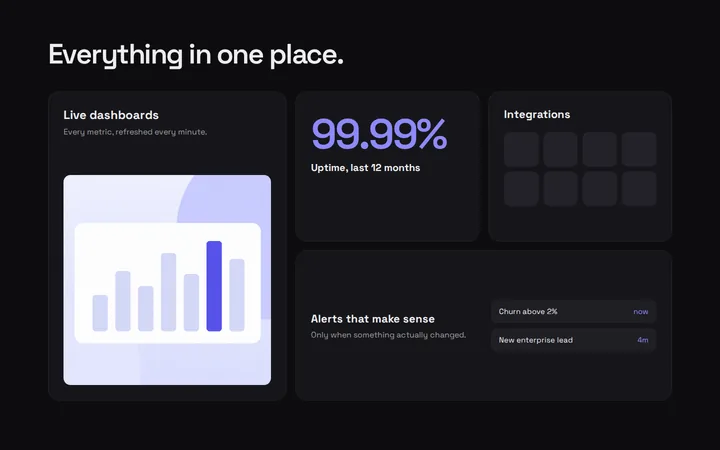
Most section libraries hard-code their design. The spacing is 32 pixels because someone typed 32. The button is indigo because the designer liked indigo. Drop that section into a client site and the first hour goes into undoing it.
Start from tokens, not pixels
Every Etchedy pattern is written against design tokens instead of values. A card doesn’t have 24 pixels of padding, it has var(--space-m). That single decision is what lets a pattern arrive already looking like the site it lands on.
A pattern should adapt to your brand, not the other way round.
The three layers
We keep tokens in three layers, so changes flow in one direction:
- Primitives: raw values, like the exact indigo or a 4px base unit.
- Semantic tokens: meaning, like
--primaryor--space-m. - Component tokens: a card’s padding or a button’s radius, pointing at the semantic layer.
Tip
If you use Automatic.css, the semantic layer already exists. Etchedy patterns read it directly.
What it looks like in Etch
Here is the structure of the pricing card from pattern L-031, trimmed for reading:
.pricing-card {
  padding: var(--space-l);
  border-radius: var(--radius-m);
  background: var(--base-ultra-light);
}
/* no hard-coded values, anywhere */
Switching brands
Because nothing is hard-coded, a brand kit is simply a new set of values for the semantic layer. Switch the kit and every pattern on the page follows: colors, type, radius and spacing, all at once.
Takeaways
- Write patterns against meaning, not values.
- Keep tokens in layers so changes flow one way.
- Let the brand kit, not the pattern, decide how things look.