Compare Features LandingLanding page, 1 page
 Flowline SaaS LandingLanding page, 1 page
 Prismo Creative AgencyCreative, 1 page
 Velour Car DetailingLanding page, 1 page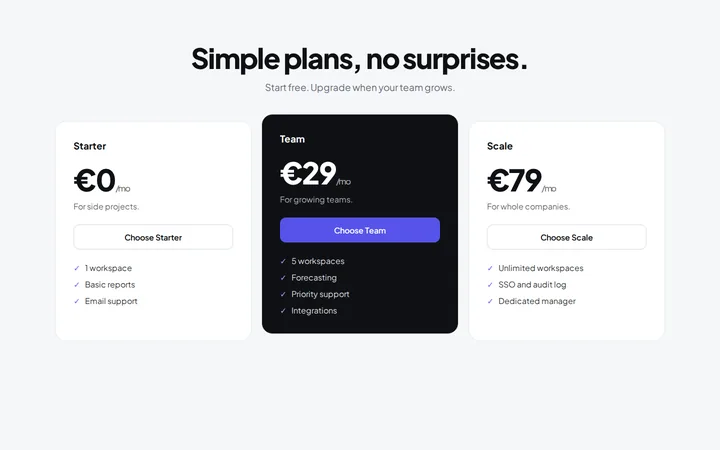
A pricing section has one job: help the right person pick a plan without a second tab or a support email. These are the four ideas we come back to.
1. Say what changes between plans
If every plan includes everything and only one thing changes, say so. Etchedy prices by the number of sites and nothing else, so the plan picker leads with that and the feature list stays identical.
2. Put the price in context
A number alone is hard to judge. Give people a way to compare it with the value: a short line about what the price pays back, or a calculator they can move.
3. Remove the risk
A guarantee near the buttons does more than a guarantee in the footer. State the length, the conditions (ideally none) and how to claim it.
4. Make the next step obvious
- One primary button per plan, same label on all of them.
- Highlight a plan only if you mean it.
- Yearly and one-off options side by side, never hidden behind a toggle people miss.
The Pricing layouts in the library are built around exactly these ideas: change the copy, apply your kit, and the structure does the rest.