


 Compare Features LandingLanding page, 1 page
 Flowline SaaS LandingLanding page, 1 page
 Prismo Creative AgencyCreative, 1 page
 Velour Car DetailingLanding page, 1 page
Tools and maintenance
The Tools tab has five cards.
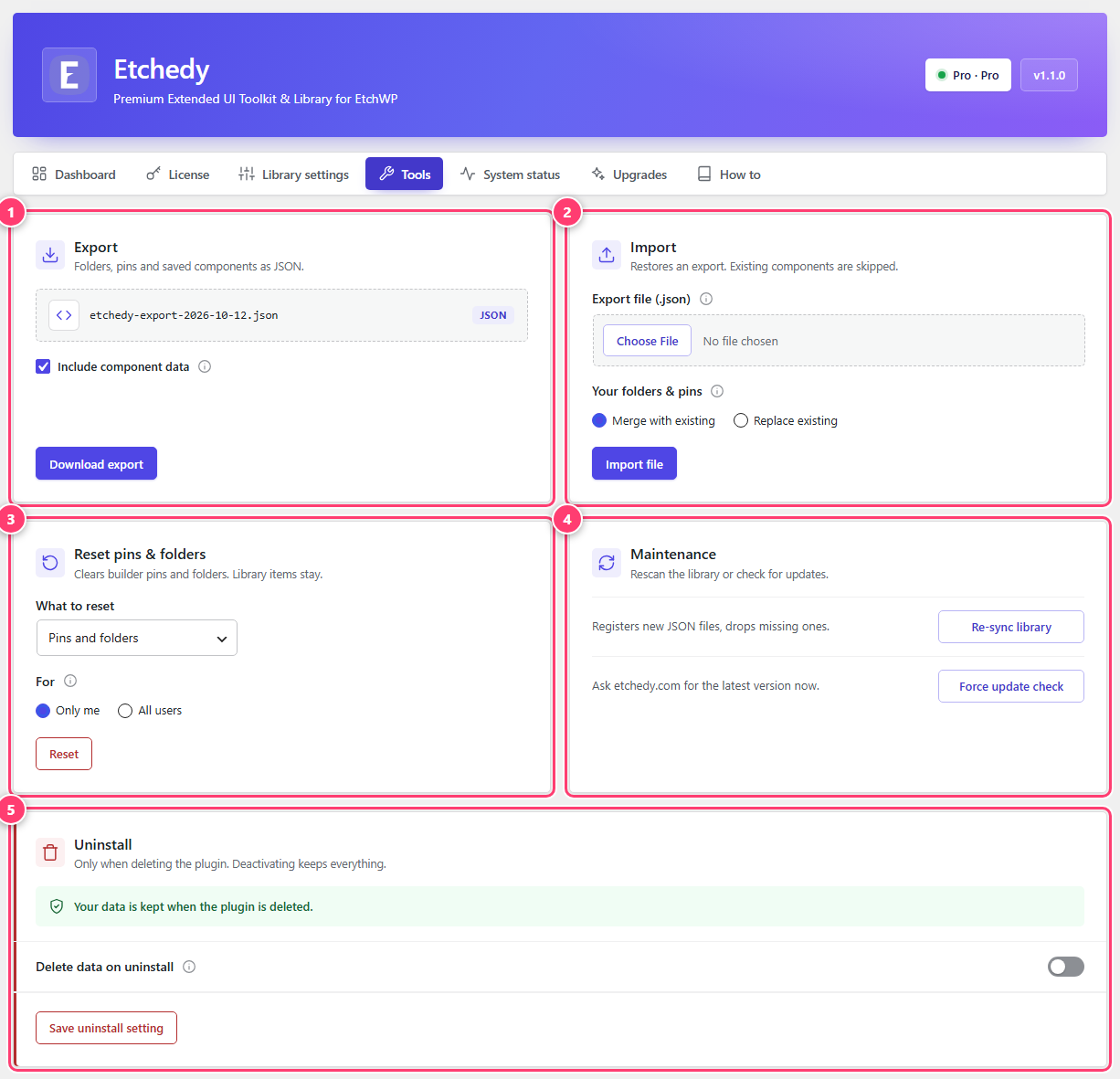
- Export: folders, pins and saved items as a JSON file.
- Import: restore an export.
- Reset pins and folders.
- Maintenance: re-sync the library and check for updates.
- Uninstall.
Export and import
See Import and export. Use them to copy your folders, pins and saved items to another site.
Reset pins and folders
Choose what to reset (pins and folders) and for whom: Only me or All users. Click Reset and confirm. Library items stay.
Maintenance
- Re-sync library rescans the library files on disk. It registers new files and drops missing ones. Use it if an item is missing after a manual file change.
- Force update check asks etchedy.com for the latest version right now.
Uninstall
Deactivating Etchedy keeps all your data. Deleting the plugin removes it only if you opted in here:
- Delete data on uninstall removes settings, your license, pins, folders and caches.
- Also delete uploaded files removes the uploads folder Etchedy uses. Export first.
The delete option asks you to type DELETE to confirm, in two steps, so it cannot happen by accident.
Was this helpful?